
VPN for Hotel WiFi on Android: Setup + Travel Guide (2026)
Hotel WiFi is convenient, but it behaves differently from the internet connection you use at home. Shared networks, login pages, and restrictive routing policies can cause problems for apps—and sometimes for VPN connections.
Many travelers enable a VPN when connecting to hotel WiFi to improve privacy on a shared network. However, hotel networks can introduce their own quirks: login portals, unstable routers, and traffic filtering.
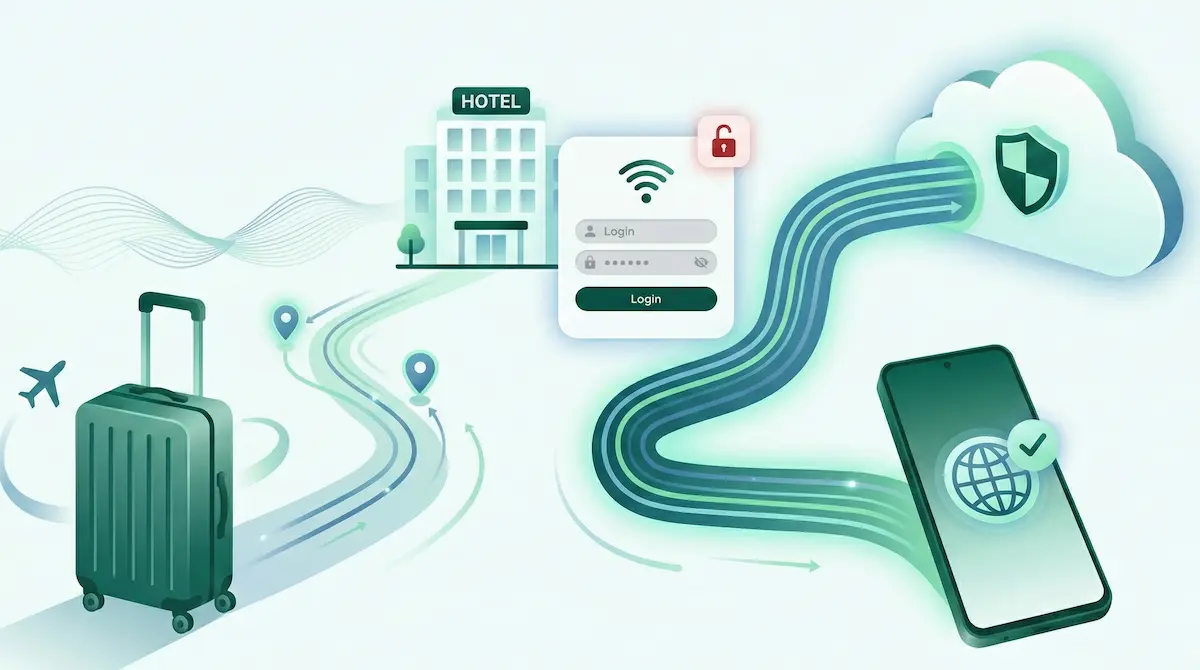
The good news is that using a VPN on hotel WiFi usually works well once you follow the correct setup order. Most problems happen when the network login page (called a captive portal) appears after the VPN is already active.
This guide explains how to connect properly, what to do when something breaks, and how to keep your Android VPN connection stable while traveling.
Quick Summary
- Always connect to hotel WiFi and complete the login page first before enabling your VPN.
- Hotel networks often use captive portals that block VPN traffic until login is completed.
- If the VPN connects but apps do not load, reconnect after completing the WiFi login.
- Start with WireGuard and switch to XRay (VLESS/Reality) if the network appears restrictive.
- Choose nearby server locations when traveling to reduce connection instability.
- Split Tunneling can help if only certain apps fail on hotel WiFi.
- Restarting WiFi or the phone can clear temporary network issues.
Why hotel WiFi networks behave differently
Hotel WiFi networks are very different from home or mobile networks.
First, most hotels use captive portals. These are login pages that appear when you connect to WiFi. Until you accept the terms or enter a room number, the network blocks internet access.
Second, hotel WiFi networks are shared by many devices. Dozens or even hundreds of phones, laptops, and TVs may be connected to the same router. This can create congestion or unstable connections.
Third, hotels often use network filtering systems. These systems manage bandwidth and security for the entire network. Sometimes they interfere with encrypted traffic or VPN connections.
Finally, hotel routers are often not optimized for heavy traffic. When many guests are online at the same time, connections can become unstable.
Because of these factors, VPN connections sometimes behave differently on hotel WiFi than they do on home internet or mobile data.
How to set up a VPN on hotel WiFi (Android checklist)
Follow this order to avoid the most common problems.
-
Connect to the hotel WiFi network
Select the network from Android WiFi settings. -
Complete the login page (captive portal)
Open a browser and accept the terms or enter required details. -
Confirm the internet works normally
Load a website before enabling the VPN. -
Open your VPN app
-
Connect to a nearby server location
Nearby servers usually provide more stable connections while traveling. -
Test a few apps
Open a browser and another app to confirm the connection works.
If you enable the VPN before completing the login page, the portal may never appear and the internet may seem broken.
Common hotel WiFi problems with VPN
Captive portal login pages
Captive portals block internet access until the login page is completed.
Fixes
- Disconnect the VPN.
- Open a browser and load any website.
- Complete the login page.
- Confirm normal internet access.
- Reconnect the VPN.
VPN connects but nothing loads
Sometimes the VPN connects, but apps cannot load anything.
Fixes
- Disconnect and reconnect the VPN after completing the login page.
- Try a nearby server location.
- Disable Private DNS temporarily if enabled.
- Restart WiFi or toggle airplane mode.
WiFi blocks VPN traffic
Some hotel networks restrict VPN traffic patterns.
Fixes
- Switch VPN protocol.
- Try another nearby server location.
- Reconnect to the WiFi network.
- Test using mobile data to confirm the issue is WiFi-related.
Streaming apps fail on hotel networks
Streaming apps may behave differently on shared hotel networks.
Fixes
- Use Split Tunneling and exclude the streaming app.
- Clear cache for the streaming app.
- Restart the app after reconnecting VPN.
- Test another server location.
Frequent disconnects
Shared hotel networks can become unstable, especially during busy hours.
Fixes
- Switch server locations.
- Reconnect the VPN.
- Restart the phone.
- Move closer to the WiFi access point if possible.
Protocol choice on hotel WiFi
Protocol choice can affect how well a VPN works on hotel networks.
A simple approach:
Start with WireGuard
- Works well on most normal networks
- Simple and widely supported
Switch to XRay (VLESS/Reality)
- Sometimes more compatible with restrictive networks
- Useful if the VPN fails to connect or drops frequently
Switching protocols can improve compatibility on certain networks, but it does not guarantee faster speeds.
When Split Tunneling helps on hotel networks
Split Tunneling allows you to control which apps use the VPN and which connect directly.
This can help reduce compatibility problems on hotel networks.
Examples:
- Banking apps outside VPN
- Streaming apps outside VPN
- Work or communication apps inside VPN
If only one app fails while others work, adjusting Split Tunneling is often easier than changing protocols or servers.
Travel tips for stable VPN connections
When using VPN on hotel WiFi, small habits can make connections more reliable.
- Choose nearby server locations.
- Reconnect the VPN after completing the WiFi login page.
- Restart the phone if the network behaves strangely.
- Avoid changing multiple settings at once when troubleshooting.
- If WiFi is unstable, briefly test using mobile data.
Simple troubleshooting steps usually solve most travel connectivity issues.
Android TV in hotels
Some travelers bring Android TV devices or use hotel TVs connected to WiFi.
These devices may encounter the same VPN problems as phones:
- captive portal login pages
- restrictive networks
- unstable WiFi routers
The troubleshooting process is similar: connect to WiFi, complete the login page, then enable the VPN.
NimbusVPN supports Android TV with a remote-friendly interface, so the same protocol and Split Tunneling options can be used on TVs as well.
FAQ
Is it safe to use hotel WiFi without a VPN?
Hotel WiFi is shared with many other users. A VPN can add an extra layer of privacy when browsing or using apps on a public network.
Why does hotel WiFi block VPN connections?
Some hotel networks filter traffic or limit encrypted connections to manage bandwidth or security.
Why does VPN connect but no internet works?
This often happens if the WiFi login page was not completed before enabling the VPN.
Can hotel WiFi see my browsing?
On shared networks, some traffic patterns may be visible to network operators. A VPN encrypts traffic between your device and the VPN server.
Should I switch VPN protocols in hotels?
If the VPN fails to connect or frequently disconnects, switching protocols may improve compatibility.
Does split tunneling help on hotel WiFi?
Yes. It allows certain apps to bypass the VPN if they have compatibility issues.
Why do some apps stop working on hotel networks?
Shared networks sometimes interfere with app connections or require specific routing behavior.
What should I do if the hotel login page keeps appearing?
Disconnect the VPN, reconnect to WiFi, complete the login page again, and then reconnect the VPN.
How NimbusVPN fits
NimbusVPN offers tools that can help when using VPN on hotel WiFi:
- Supports WireGuard and XRay (VLESS/Reality) protocols
- Includes Split Tunneling for app-specific routing
- Works on Android TV with a remote-friendly interface
- Allows users to test protocol compatibility on restrictive networks
- Useful for improving privacy on shared WiFi networks
If you want an Android VPN that lets you adjust protocols and routing when traveling, NimbusVPN is a practical option.
Related articles to write next
- VPN Not Working on WiFi (Android Fix Guide)
- VPN Connected but No Internet on Android
- Split Tunneling on Android: Practical Presets